How to Download YouTube Videos and Shorts
Save public YouTube videos and Shorts with TapSave. Available formats and quality depend on the source and parsing result.
Updated: 2026-01-20
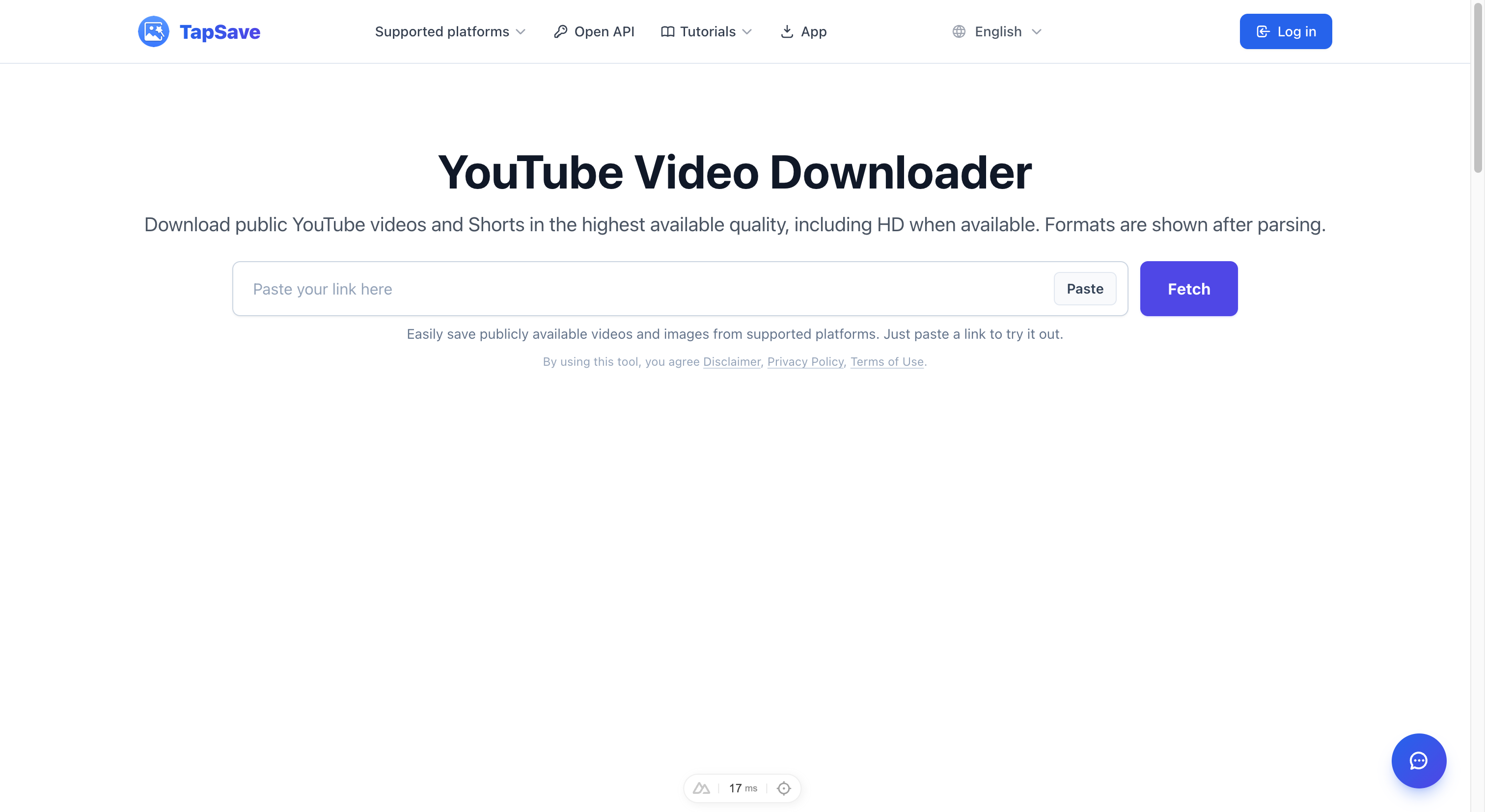
How to Download YouTube Videos for Free
Want to save a YouTube video for offline viewing? TapSave helps you view the download options returned for public videos and Shorts, directly in your browser.
What Can You Download from YouTube?
With TapSave's YouTube downloader, you can save:
- 🎬 Videos and Shorts — when returned for a public link
- 🖼️ Cover images — when returned by the parser
- ⚙️ Available formats and quality — depend on the source and parsing result
Step-by-Step: Download a YouTube Video
Step 1 — Open the YouTube Video
Go to YouTube and find the video you want to download.
Step 2 — Copy the Video URL
On desktop:
Look at the address bar in your browser. The URL looks like:https://www.youtube.com/watch?v=XXXXXXXX
Select all and copy it (Ctrl+C / Cmd+C).
On mobile:
- Tap the Share button under the video.
- Tap Copy Link.
Step 3 — Go to TapSave YouTube Downloader
- Open TapSave YouTube Downloader.
- Paste the URL into the input box.
- Click Fetch.
Step 4 — Choose Your Format and Download
TapSave will display all available options:
| Format | Quality | Notes |
|---|---|---|
| Download option | Availability | Notes |
| Video or Short | When returned | Format and quality depend on parsing |
| Cover Image | When returned | Thumbnail/poster |
Click Download next to your preferred format.
Download YouTube Shorts
YouTube Shorts work exactly the same way:
- Open a Short on YouTube.
- Tap the Share icon → Copy Link.
- Paste the link on TapSave and click Fetch.
Tips & Tricks
💡 Long videos: Large HD videos may take a few seconds to process. Please be patient.
💡 Playlist videos: Paste individual video links, not playlist URLs, for best results.
💡 Where is my download? Check your browser's download folder, or the "Downloads" section in your Files app on mobile.
Is It Safe and Legal?
TapSave only processes publicly available YouTube videos. All downloads are for personal use only. Please respect creators' copyrights and do not re-upload or monetize downloaded content.
Start downloading now at the YouTube Video Downloader →