How to Download Instagram Photos and HD Videos Free (No Watermark)
Complete guide: Download Instagram photos, Reels videos and Stories in original HD quality without watermark using TapSave. No registration required.
Updated: 2026-04-01
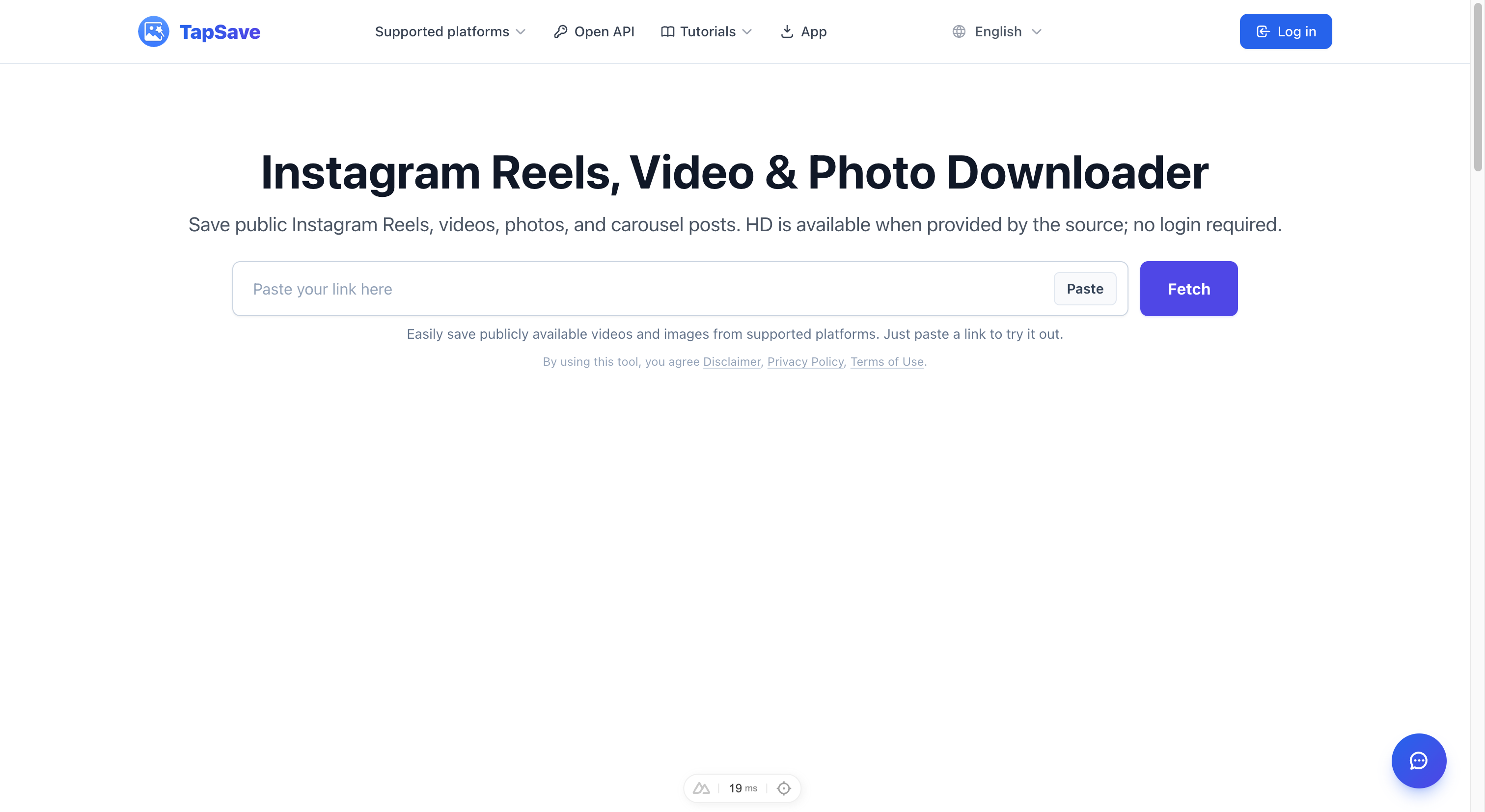
How to Download Instagram Photos and HD Videos
Instagram is the world's most popular photo and short video sharing platform. With TapSave, you can download any public Instagram content including photos, Reels, and Stories for free.
What TapSave Supports
| Content Type | Support Status |
|---|---|
| Profile Post Photos | ✅ Supported |
| Instagram Reels | ✅ Supported |
| Instagram Stories | ✅ Supported |
| IGTV Long Videos | ✅ Supported |
| Profile Pictures | ✅ Supported |
| Multi-image Albums | ✅ Supported |
Step-by-Step Tutorial
Step 1: Copy the Instagram Link
On Mobile:
- Open Instagram app or web version
- Tap the Share button on the target content
- Select Copy Link
On Desktop:
- Open Instagram in your browser
- Click the share icon
- Copy the link address
Step 2: Use TapSave to Parse
- Open TapSave Instagram Download Page
- Paste the link into the input box
- Click the Get button
Step 3: Save Content
Once parsing is complete, choose to download:
- HD Photos — Original resolution
- Watermark-free Video — MP4 format
- Cover Image — High-resolution thumbnail
Features
- 🔒 100% Free — No account login required
- 🎯 Original HD Quality — No compression, full original quality
- ⚡ Fast Parsing — Get your content in seconds
- 📱 Cross Platform — Works on mobile, desktop and tablet
FAQ
Q: Do I need to log in to download Instagram content?
A: No, public content can be downloaded directly via link.
Q: Can I download from private accounts?
A: No, private content requires authorization from the account owner.
Q: Are downloaded photos in original quality?
A: Yes, downloaded photos are the original high-resolution images from Instagram servers.
Try it now: Instagram Download Page