How to Download YouTube Shorts Videos
Save public YouTube Shorts with TapSave. Available formats and quality depend on the source and parsing result.
Updated: 2026-04-01
How to Download YouTube Shorts Videos
YouTube Shorts is YouTube's short video feature. With TapSave, you can view the available download options for supported public Shorts links.
What Are YouTube Shorts?
YouTube Shorts is YouTube's short video feature, similar to TikTok and Instagram Reels, typically under 60 seconds. Due to its powerful recommendation algorithm, many users want to save their favorite Shorts for offline viewing.
Step-by-Step Tutorial
Step 1: Copy the Shorts Link
On Mobile:
- Open YouTube app or web version
- Find the Shorts video you want to download
- Tap the Share button below the video
- Select Copy Link
On Desktop:
- Open the Shorts video page in your browser
- Copy the URL from the address bar
Step 2: Paste and Parse
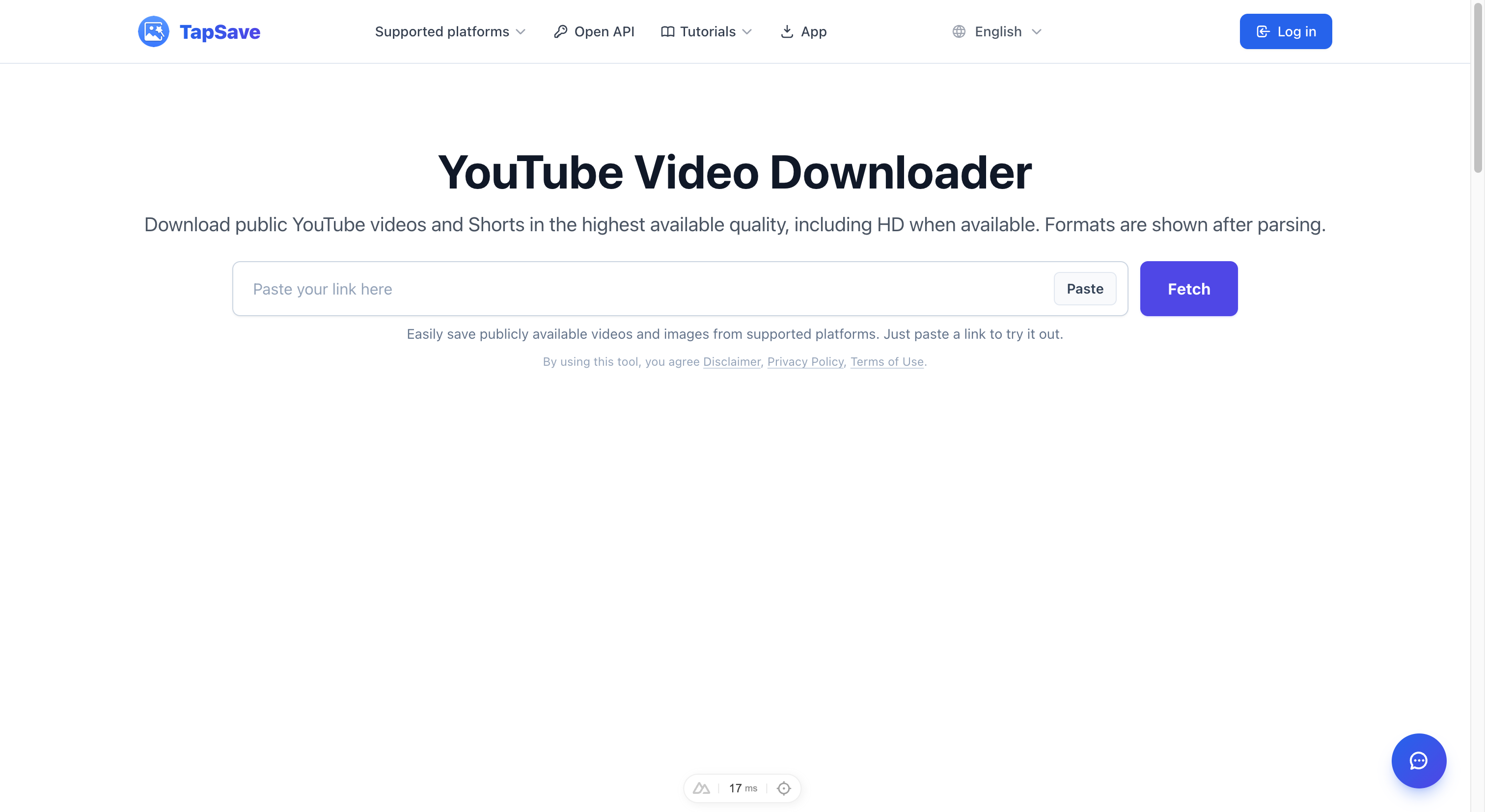
- Open TapSave YouTube Download Page
- Paste the copied link into the input box
- Click the Get button
Step 3: Download the Video
Once parsing is complete, you can choose:
- Video or Short — when returned by the parser
- Cover Image — when returned by the parser
- Available formats and quality — depend on the source response
Why Use TapSave for YouTube Shorts?
| Advantage | Description |
|---|---|
| 100% Free | No payment or subscription required |
| HD Quality | Included when available from the source |
| Available formats | Shown after parsing |
FAQ
Q: Is downloading YouTube videos legal?
A: Downloading public videos for personal use is generally acceptable. Please don't use them for commercial distribution or copyright infringement.
Q: Can I download YouTube live replays?
A: Yes, but you'll need to wait for YouTube to finish processing after the live stream ends.
Q: Why do some videos fail to download?
A: This may be due to copyright protection, private settings, or regional restrictions.
Try it now: YouTube Download Page